
 Get started
 Product add-ons for Shopify, right next to the buy button
Offer accessories, refills, care plans, or gift wrap as one-tap add-ons on the product page. They go to the cart together with the main product.
- Shopify Online Store 2.0 compatible
- Publishes via app embed - theme files untouched
- Responsive desktop and mobile layouts
Frequently bought together
Complete the glow ritual

Cloud Serum
$38

Dew Cleanser
$28
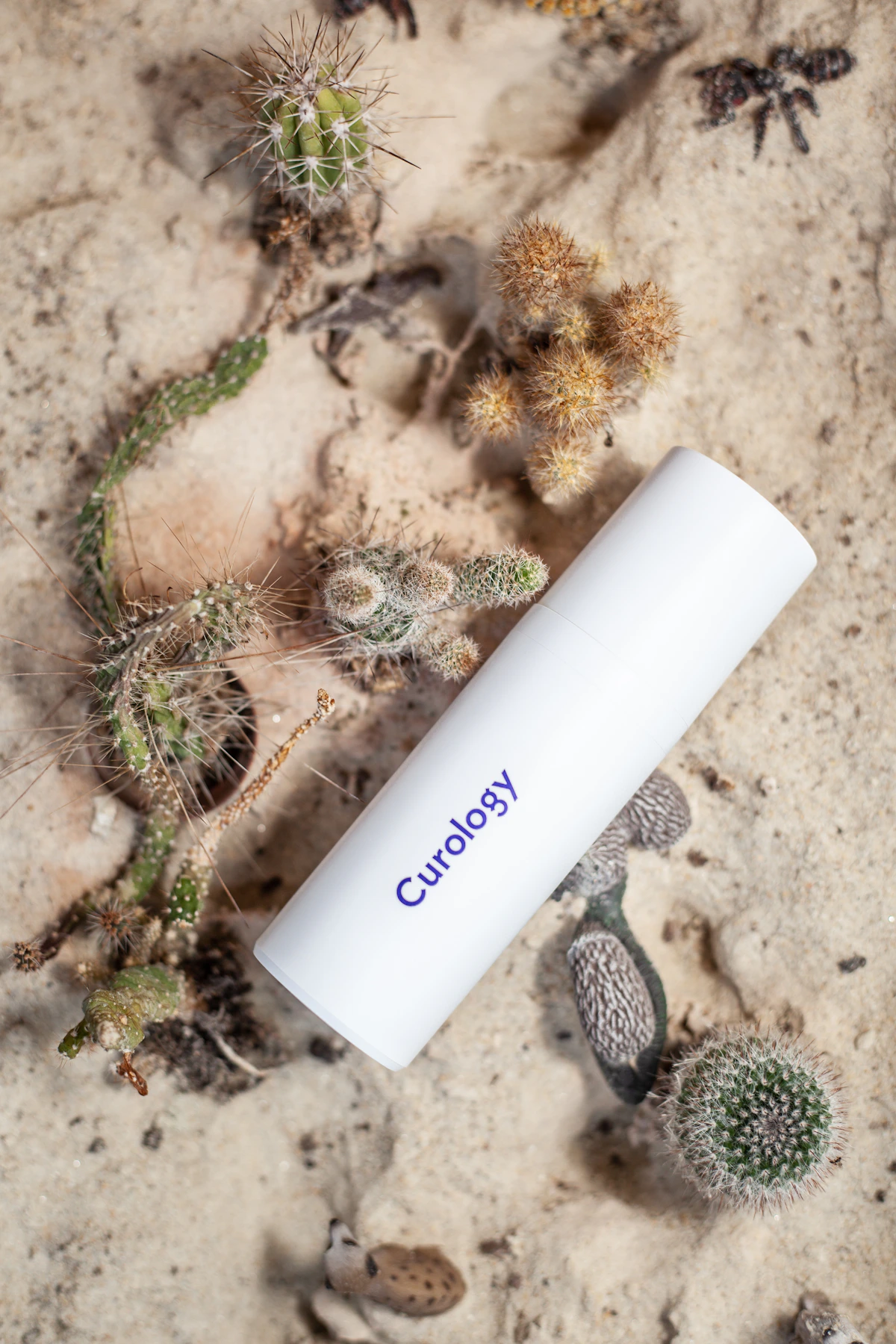
Night Oil
$42
Bundle total
$91 $108
What merchants use Product Add-ons Upsell for
The best moment to suggest an extra is while the shopper is still deciding on the main product. Seny's Product Add-ons Upsell shows a short list of add-ons beside your add to cart button. Pick them yourself, let Shopify's product recommendations fill them in, or combine both. When the shopper adds the main product, the add-ons they selected go to the cart with it.
- 01
Accessories and refills
Cases, cables, filters, or refills that make the main product more useful from day one.
- 02
Complete the routine
Pair a cleanser with a moisturizer, or a camera with a memory card, so shoppers get everything they need in one order.
- 03
Gift wrap and cards
Offer gift wrap or a greeting card as a simple add-on during gifting season.
- 04
Care and protection plans
Offer an extended warranty or care plan as an add-on next to higher-priced products.
Product Add-ons Upsell features
Everything you need to launch product add-ons upsell, make it match your brand, and publish it without touching theme code.
- One-tap add-on rows on the product page
- Shopify recommendations, your own picks, or both
- Add-ons go to cart together with the main product
- Product image and price on every add-on row
- Brand-matched colors, typography, spacing, and radius
- Describe changes to AI in plain English
Product Add-ons Upsell app vs custom Shopify theme code
A custom section can work for one version of Product Add-ons Upsell, but an app embed is better when you need repeatable campaigns, easy editing, and a consistent library of conversion widgets.
Seny app embed
- Customize copy, layout, and behavior without editing Liquid
- Preview changes before publishing to the storefront
- Keep settings when changing or updating themes
- Use AI to generate polished variants in plain English
- Manage this widget alongside the rest of the Seny app library
Theme code or one-off section
- Requires theme access and developer confidence
- Harder to reuse across products, campaigns, and themes
- Easy to break during theme updates or handoffs
- Usually lacks scheduling, targeting, and state controls
- Creates another custom surface to maintain over time
How to add Product Add-ons Upsell to your Shopify store
- 1
Install Seny on Shopify
Add Seny from the Shopify App Store and enable app embeds in your Online Store 2.0 theme.
- 2
Select Product Add-ons Upsell
Open the app library, choose Product Add-ons Upsell, then use the visual editor or describe the version you want in plain English.
- 3
Preview and publish
Review the live storefront preview, adjust the details, and publish the embed without touching theme code.
Related Shopify apps
Combine Product Add-ons Upsell with other apps from the same Seny library.
Product Add-ons Upsell FAQ
Common questions about adding Product Add-ons Upsell to a Shopify store with Seny.
What are product add-ons on Shopify?
Product add-ons are small, related products offered on the product page, such as accessories, refills, or gift wrap. Shoppers tick the ones they want and they are added to the cart along with the main product.
Where do the add-on recommendations come from?
You choose: Shopify's built-in product recommendations, products you pick yourself, or a mix of both.
How is this different from Popup Upsell?
Product Add-ons shows extras on the product page before add to cart. Popup Upsell suggests one add-on right after the shopper adds to cart. Some stores use both, on different products.
Are add-ons added to the cart with the main product?
Yes. The add-ons the shopper selects go to the cart together with the main product in one step.
Do I need to edit Liquid or theme files?
No. Seny publishes through Shopify app embeds, so your theme files stay untouched.
Can I customize the Product Add-ons Upsell design?
Yes. Adjust copy, colors, spacing, layout, and behavior with the visual editor, or describe the change you want in plain English and let Seny AI build it.
How much does Product Add-ons Upsell cost?
Seny has a free plan, and paid plans start at $11.99/month. Every plan includes unlimited live apps, so Product Add-ons Upsell comes with the rest of the library. Pricing is based on the revenue Seny adds and your storefront views.
Launch Product Add-ons Upsell on your store.
Free plan available. Unlimited live apps on every plan. Start free, then pay for the revenue Seny adds.
Get started for free